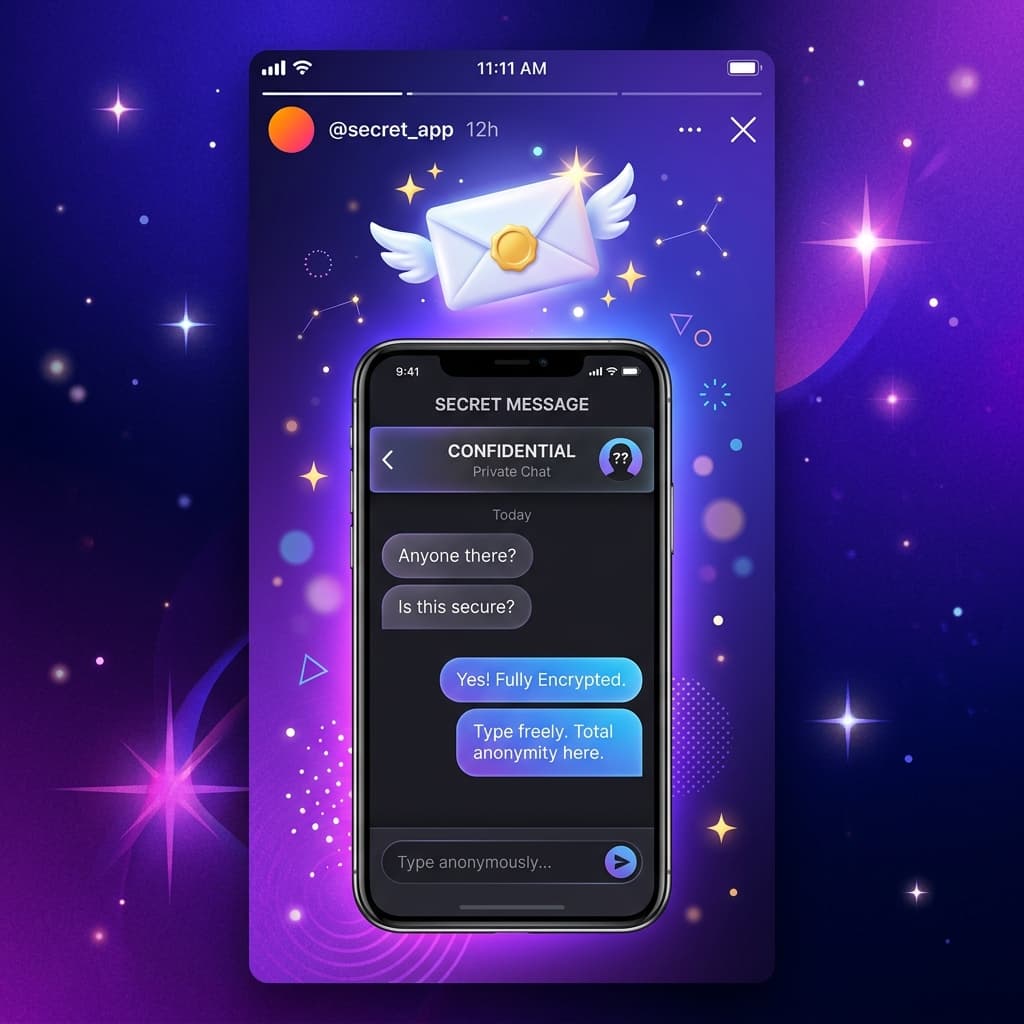
How to Create an Anonymous Message Link on Instagram & TikTok with Secrely
A step-by-step guide to creating your secret anonymous messaging link for Instagram Bio, Story, and TikTok in just 2 minutes.

Whyriez
Founder & Lead Developer
#Why Anonymous Messaging is Trending Fast
Anonymous messaging gives your friends, followers, or secret admirers the freedom to share honest thoughts without social awkwardness. From sweet compliments and secret confessions to constructive feedback—you can receive them all effortlessly using Secrely.
In this guide, we will walk you through creating your Secrely link and sharing it to your Instagram Story and TikTok Bio in under 2 minutes!
#Step 1: Create an Account & Get Your Unique Link
- Open the Secrely app on your smartphone or visit secrely.link.
- If you don't have an account yet, sign up quickly with your email.
- Once logged in, your profile dashboard will display your Unique Secrely Link (e.g.,
secrely.link/yourusername). - Tap the "Copy Link" button.
#Step 2: Share Your Link to Instagram Story
To let your Instagram friends send you secret messages right away:
- Open Instagram and swipe right to create a new Story.
- Take a photo or upload a clean background image.
- Tap the Sticker icon at the top of the screen.
- Select the "Link" sticker.
- Paste your copied Secrely URL.
- Add custom text on the sticker, like: "Send me secret messages here! 🤫✨".
- Position the sticker nicely and share your Story!
#Step 3: Add Your Link to Instagram & TikTok Bio
Want people to message you anytime without waiting for a 24-hour Story? Put your link in your bio!
For Instagram: - Go to your profile and tap Edit Profile. - Tap Links ➔ Add External Link. - Paste your Secrely link and title it "Secret Messages 💌".
For TikTok: - Open your TikTok profile and tap Edit Profile. - Locate the Website or Bio field and paste your Secrely link.
#Pro Tips for Maximum Engagement
- Ask Trigger Questions: Instead of posting a blank link, add a prompt like "What was your first impression of me?" or "Anything you want to tell me anonymously?".
- Enable Anonymous Replies: In Secrely, recipients can engage in dynamic two-way anonymous chats if enabled by the sender!
- Add Background Music: Leverage Secrely's built-in Apple Music integration to set the vibe when visitors open your link.
Try it out today and discover what people truly think about you with Secrely!

Written by Whyriez
Founder & Lead Developer
Building Secrely to empower genuine, anonymous, and encrypted social connections.
📖Table of Contents
Ready to Try Secrely?
Create your anonymous link today and start receiving genuine feedback and secret messages safely.
Create Your Anonymous Link